How to use the YouTube app on your Samsung TV
Updated : 1st September, 2026
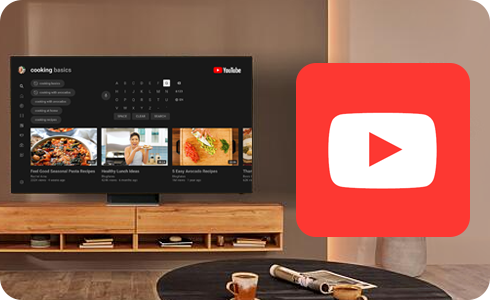
The YouTube app comes pre-installed on all current Samsung smart TVs. This means that you do not have to download the app or install it to stream YouTube content on your TV.
To access YouTube, simply open Smart Hub and select the YouTube app icon.
Why can’t I find the YouTube app?
There are several reasons you may not be able to see the YouTube app:
- Each year the Samsung Smart TV platform is updated, and YouTube may have removed support for the particular Smart Platform used by your TV. For up-to-date information on Samsung Smart TVs supported by YouTube, please contact YouTube
- The app may have been hidden from the Quick Access bar. To return the icon to the Quick Access bar:
1
Press the Home button on your remote
2
Navigate to and select Apps
3
Navigate to Downloaded apps
4
To add the selected app to the Quick Access bar, press and hold Enter until the dropdown menu appears
5
Select Add to home
For further support, please visit Samsung Support.

*Enter via Samsung Members community by 14.09.26. Max one (1) entry per Participant. T&Cs apply. For more, visit T&Cs.
Thank you for your feedback!
Please answer all questions.