

Upgrade your music
experience with
Spotify X Samsung
Limited eligibility. T&Cs apply.*


Your soundtrack. On every Samsung device
Whether you’re on the move, working out, relaxing at home or sharing the moment, Spotify connects seamlessly across your Samsung devices.

Your Soundtrack.
Wherever you go.
Move seamlessly between your Galaxy Smartphone, Watch and buds, and enjoy your favorite Spotify content wherever the day takes you
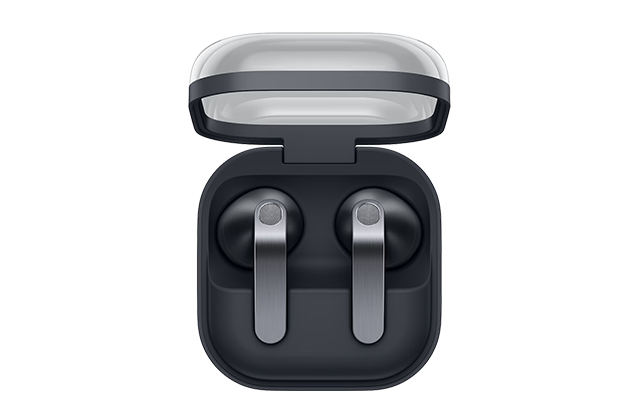
Get Straight into
the music
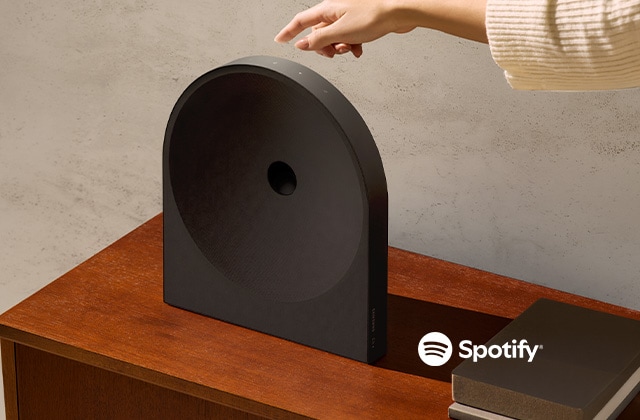
Instant Music.
Seamless control.
Play music instantly featuring Spotify Tap over Wi-Fi
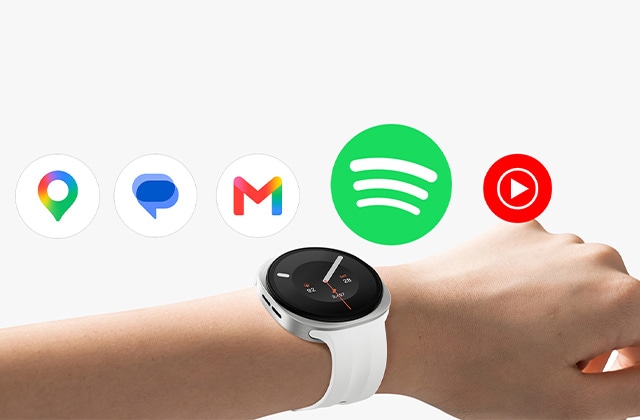
Control from your wrist.
Pause, skip and manage Spotify playback directly from your Galaxy Watch

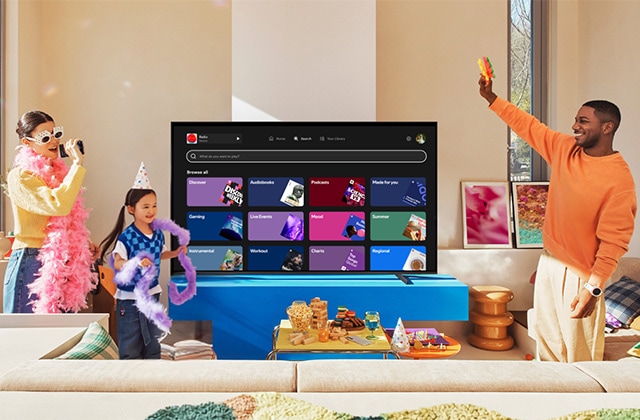
Your playlist, your voice
Seamless control with Bixby & Google Assistant
Workout Assistant
Power every rep with your voice. "Hey Google, play my gym playlist," "Next song," or "Increase volume to 80%."


Driving Mode
Eyes on the road. Music on command. "Hey Google, play my road trip playlist," "Pause," or "Call someone."


Cooking Companion
Keep your hands on the recipe, not your phone. "Hey Google, play this song" while you chop, stir, and taste.


Introducing StreamPass, your passes to all worlds
Choose from StreamPass Premium and Art and unlock curated VOD benefits up to 12 months and additional exclusive perks.
Explore our exclusive offers on our website and discover more below
Unlock your subscriptions
Step 1
Purchase and activate on selected Samsung TV's


Step 2
Download Samsung Promotion App and "Click" on the campaign


Step 3
Scan the QR Code & Redeem your benefit


Step 4
Enjoy your streaming experience


-
What is StreamPass?StreamPass is a value-added concept that gives you access to premium entertainment content when you purchase selected products. It’s designed to enhance your viewing experience by combining cutting-edge technology with top streaming services—all in one place.
-
What do I get with StreamPass?With StreamPass, you receive access to curated streaming platforms and entertainment content, depending on your selected pass. Each pass is tailored to match your product and viewing needs.
-
Are there different types of StreamPass?Yes, StreamPass comes in multiple tiers. Each pass is aligned with specific products, offering different levels of content access—so there’s something for everyone across our range, from premium TVs to lifestyle products to Sound Devices.
-
Which streaming platforms are included?StreamPass partners with leading OTT platforms (Spotify Premium, begin and tapmad) to bring you a wide selection of movies, series, and entertainment.
Available platforms may vary depending on your market and selected pass. -
How do I activate my StreamPass?• Purchase and activate on selected Samsung TV’s bought between 01st August 2026 until 31st October 2026.
• Open the Samsung promotion app on your TV, which is available in the 'apps' section.
• Connect your Samsung Account to unlock the app subscriptions.
• Click on 'Get it now' to view each offer voucher code and follow the instructions to redeem before the redemption date ends.
Once completed, you’ll be ready to start streaming. -
When should I activate my StreamPass?We recommend activating your StreamPass as soon as you set up your product to start enjoying your content right away.
-
Is StreamPass free?StreamPass is included with selected products as part of a promotional offer, giving you added value at no extra cost.
-
How long is the StreamPass valid?The duration depends on your selected pass and offer, StreamPass covers 3 to 12months voucher validity.
-
Can I use StreamPass on any device?StreamPass is only exclusive to Samsung products to deliver the best possible viewing experience.
However, access to streaming platforms may also be available on other compatible devices, depending on the partner’s terms. -
Can I choose my streaming platform?Available platforms are pre-selected within each pass to ensure the best combination of content and value. Options may vary by region.
-
Who can I contact for support?For any questions or assistance, please contact our customer support team or visit the support section on our website
