Real-time Interpreter on Buds3 & Buds3 Pro
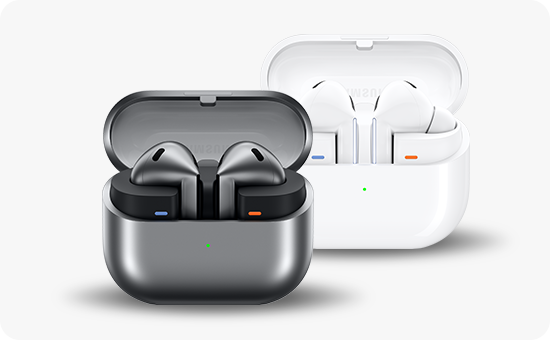
How does the Real-time Interpreter work on Galaxy Buds3/Buds3 Pro?
The Real-time Interpreter on Galaxy Buds3 and Buds3 Pro uses AI to provide instant translation during conversations or one-way listening, making it ideal for travel, business, or multilingual communication. This feature supports two modes: Listening Mode for one-way translation and Conversation Mode for two-way dialogue.
1. What is the Real-time Interpreter feature?
The Real-time Interpreter is an AI-powered translation tool integrated into the Galaxy Buds3 and Buds3 Pro. It enables seamless communication across languages in real time, leveraging the Galaxy AI on your connected smartphone or tablet. The feature supports both Listening Mode and Conversation Mode, catering to various scenarios such as international travel, business meetings, or educational settings.
2. How does Listening Mode work?
Listening Mode translates one-way audio streams, such as guided tours, lectures, or conference presentations, into your preferred language. The translated speech is delivered directly to your Galaxy Buds, allowing you to focus on the content without interruptions. You can pause or replay the translation using touch controls on the earbuds.
3. How does Conversation Mode work?
Conversation Mode facilitates two-way communication by translating spoken language in real time. This mode connects your Galaxy Buds3/Buds3 Pro to the Galaxy AI on your device, enabling smooth interactions with speakers of different languages. The 'Tap to Talk' feature allows you to initiate speech input effortlessly.
4. How to control the Real-time Interpreter with touch gestures
- Pause Interpretation: Pinch an earbud to temporarily stop the translation. This action is similar to pausing music playback.
- Resume Interpretation: Pinch the earbud again to restart the translation in real time. Note that the interpreter resumes from the current moment, not from where it was paused.
The interpreter continues running in the background, ensuring minimal disruption during use.
5. What happens when Galaxy Buds are not connected?
If your Galaxy Buds are disconnected, the Real-time Interpreter displays translated text on your device's screen instead of providing audio output. However, text-to-speech functionality is unavailable in this scenario and requires an active connection to the Galaxy Buds.
6. Additional things to check
- Ensure your Galaxy Buds3/Buds3 Pro and connected device are updated to the latest software version for optimal performance.
- Verify that your device's Galaxy AI feature is enabled and properly configured for translation.
- Check your internet connection, as the Real-time Interpreter relies on cloud-based AI processing for accurate translations.
7. Supported Samsung Galaxy devices
The Real-time Interpreter feature is compatible with Galaxy Buds3, Buds3 Pro, and select Galaxy smartphones and tablets running the latest software versions. Ensure your devices are paired and connected via Bluetooth for seamless functionality.
8. Related Samsung support topics
Thank you for your feedback!
Please answer all questions.