What Is Handwriting Help on the Galaxy Z Fold6?
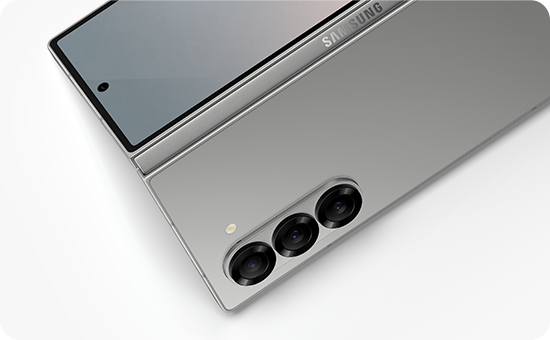
Handwriting Help mode on Samsung Galaxy Z Fold6 enhances your note-taking experience by offering real-time assistance for handwriting, including guidelines, line alignment, and letter shape correction. This feature is designed to improve the accuracy and readability of your handwritten notes in Samsung Notes.
1. What is Handwriting Help Mode on Samsung Galaxy Z Fold6?
Handwriting Help mode is a feature available on Samsung Galaxy Z Fold6 that assists users in improving their handwriting while using Samsung Notes. It provides real-time guidance such as:
- Guidelines for better handwriting structure
- Alignment of lines to ensure consistency
- Correction of letter shapes for improved readability
This feature is particularly useful for users who prefer handwritten notes but want to maintain neatness and clarity.
2. How to Enable Handwriting Help Mode
- Open the Samsung Notes app on your Samsung Galaxy Z Fold6.
- Switch to Pen mode by selecting the pen tool from the toolbar.
- Access the settings menu within the app.
- Enable the Handwriting Help option to activate the feature.
Once enabled, Handwriting Help mode will automatically provide guidance as you write.
3. Supported Samsung Galaxy Devices
Handwriting Help mode is available on the following Samsung Galaxy devices:
- Galaxy Z Fold6
- Galaxy Z Fold5
- Galaxy S24 series
- Galaxy S23 series
4. Additional Things to Check
If you encounter any issues with Handwriting Help mode, consider the following:
- Ensure your device is running the latest software version.
- Verify that you are using Pen mode, as Handwriting Help is not supported in Highlighter mode.
- Check if the feature is enabled in the settings menu of Samsung Notes.
5. Related Samsung Support Topics
Thank you for your feedback!
Please answer all questions.