Note Assist & Notes App on Fold6/Flip6
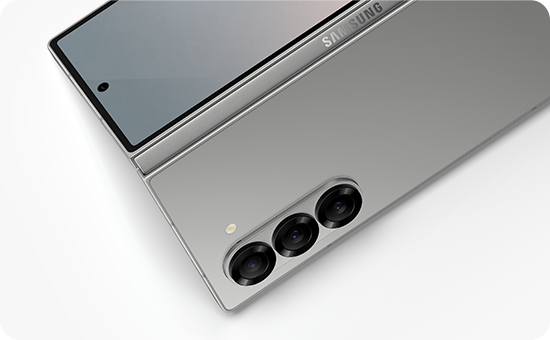
Note Assist is an AI-powered feature in the Samsung Notes app designed to enhance note-taking on Galaxy Z Fold6 and Flip6 devices. It helps users organize, format, and summarize their notes efficiently using advanced AI capabilities.
1. What is Note Assist on Samsung Galaxy Z Fold6/Flip6?
Note Assist is a suite of AI-driven tools integrated into the Samsung Notes app that streamlines note organization and improves readability. It's available on Galaxy Z Fold6 and Flip6 devices and offers features such as handwriting cleanup, auto formatting, cover generation, audio recording, and overlay translation.
2. What Features Does Note Assist Offer?
- Clean Up Handwriting: The AI detects imperfections in handwritten notes and automatically adjusts alignment, spacing, and letter shapes for a cleaner appearance.
- Auto Format: Analyzes note content, identifies key points, and suggests structured layouts with summaries displayed on the side of the large screen for easy comparison.
- Cover Generation: Condenses lengthy notes into concise summaries and creates visually appealing covers to help users quickly locate specific notes.
- Recording: Allows simultaneous note-taking and audio recording, with automatic transcription for easier review and reference.
- Overlay Translation: Enables viewing PDF files with real-time translations overlaid in the preferred language directly within the Notes app.
3. How to Enable Note Assist on Galaxy Z Fold6/Flip6
- Open the Settings app on your device.
- Scroll down and tap on Galaxy AI.
- Enable the Note Assist toggle to activate the feature.
4. Supported Samsung Galaxy Devices
Note Assist is currently supported on the following devices:
- Galaxy Z Fold6
- Galaxy Z Flip6
5. Why Use Note Assist?
- Improves note organization and readability through AI-powered formatting.
- Saves time by automatically summarizing and generating covers for lengthy notes.
- Enhances accessibility with real-time translation and transcription features.
6. Related Samsung Support Topics
Thank you for your feedback!
Please answer all questions.