Galaxy S24 Storage and Memory Options
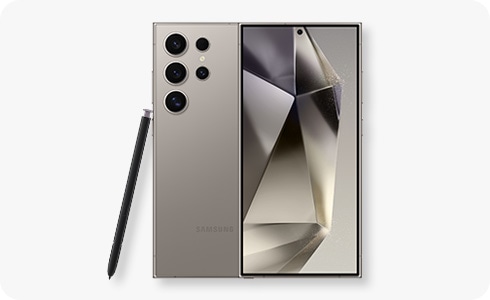
What are the Samsung Galaxy S24 external memory limits and storage options?
The Samsung Galaxy S24 series does not support expandable storage via microSD cards. Instead, each variant offers built-in internal storage options ranging from 128GB to 1TB. Learn about the memory configurations for each model and alternative ways to manage your data.
1. What are the storage options for the Samsung Galaxy S24 series?
The Samsung Galaxy S24 series includes several models, each with distinct internal storage configurations:
- Galaxy S24 Ultra: Available with 256GB, 512GB, or 1TB of internal storage, paired with 12GB of RAM.
- Galaxy S24+: Offers 256GB or 512GB of internal storage, paired with 12GB of RAM.
- Galaxy S24: Comes with 128GB or 256GB of internal storage, paired with 8GB of RAM.
2. Why doesn't the Samsung Galaxy S24 support external memory?
- Design and performance considerations: Modern smartphones like the Galaxy S24 prioritize slim, durable designs, which often exclude microSD card slots.
- Cloud integration: Samsung emphasizes cloud storage solutions like Samsung Cloud and Google Drive for data management.
- Internal storage advancements: With high-capacity internal storage options, the need for expandable memory has diminished.
3. How can I manage storage on my Samsung Galaxy S24?
If you're concerned about storage limitations, consider these strategies:
- Use cloud storage: Upload photos, videos, and documents to Samsung Cloud or Google Drive.
- Connect to a PC: Transfer files to your computer using a USB cable or wireless transfer tools.
- Delete unnecessary files: Regularly clear cache, unused apps, and old media files.
- Use external drives: Connect a flash drive or external SSD via a compatible adapter.
4. Supported Samsung Galaxy devices
The storage configurations mentioned above apply specifically to the Samsung Galaxy S24 series, including the Galaxy S24, S24+, and S24 Ultra. Other models like the Galaxy Z Fold, Galaxy Z Flip, and Galaxy A series may have different storage options.
5. Related Samsung support topics
Thank you for your feedback!
Please answer all questions.