How to Wear the Galaxy Fit3 Correctly
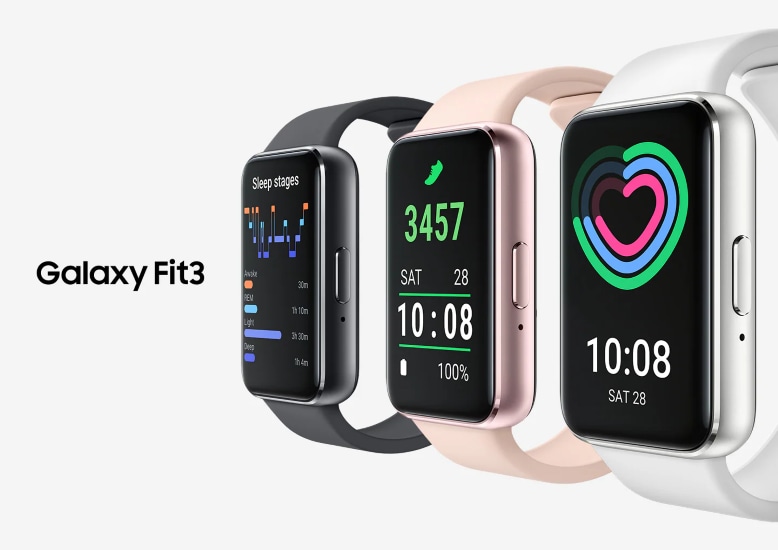
How to Wear Samsung Galaxy Fit3 Properly for Comfort and Accuracy
To ensure your Samsung Galaxy Fit3 delivers accurate health data and stays comfortable during daily use, it's important to wear it correctly. This guide explains how to attach and adjust the band, position the device on your wrist, and avoid common issues like skin irritation or inaccurate readings.
1. How to Attach and Adjust the Galaxy Fit3 Band
Follow these steps to securely attach and adjust the Galaxy Fit3 band for a comfortable fit:
- Open the buckle on the band.
- Place the Galaxy Fit3 around your wrist, positioning it just above the wrist bone.
- Insert the pin into one of the adjustment holes to secure the band.
- Close the buckle to lock the band in place.
- Ensure there's enough space to slide a finger between the band and your skin for comfort.
- Avoid bending the band excessively, as this may damage the device.
2. Why is Wrist Placement Important?
Proper placement ensures accurate health tracking and prevents discomfort:
- Wear the Galaxy Fit3 firmly on your lower arm, just above the wrist, for precise heart rate and activity monitoring.
- If the sensor on the back doesn't make contact with your skin for over 10 minutes, the device may stop tracking your activity.
- Certain materials (e.g., thick fabrics or accessories) may interfere with sensor functionality.
3. Additional Things to Check
Ensure your Galaxy Fit3 works optimally by following these recommendations:
- Avoid fastening the band too tightly to prevent skin irritation or too loosely to avoid friction.
- Do not look directly at the optical heart rate sensor's lights, as this may impair vision.
- Remove the device if it becomes hot to the touch to prevent low-temperature burns.
- Keep your skin dry before wearing the Galaxy Fit3 to avoid irritation from sweat or moisture.
- After prolonged use or intense exercise, remove the device to let your skin breathe.
4. Supported Samsung Galaxy Devices
This guide applies to the Samsung Galaxy Fit3 and is compatible with Galaxy smartphones and tablets running the latest Samsung Health app.
5. Related Samsung Support Topics
Thank you for your feedback!
Please answer all questions.