Fix Download Issues in Messages on Fold6 & Flip6
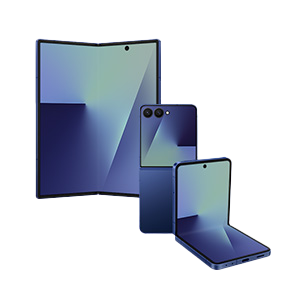
If you're unable to download files received through the Messages app on your Samsung Galaxy Fold6 or Flip6, the issue might be due to the 'Maximum restrictions' feature in Auto Blocker disabling the 'Auto download' option. This security feature prevents automatic downloads of potentially harmful attachments. Follow these steps to resolve the issue.
1. Why can't I download files in the Messages app on my Samsung Galaxy Fold6 or Flip6?
The 'Maximum restrictions' feature in Auto Blocker blocks automatic downloads of attachments in the Messages app to protect your device from malicious files. This feature disables the 'Auto download' option, which is required for automatic file downloads.
2. How do I enable auto-download for files in the Messages app?
- Open the Messages app on your Samsung Galaxy Fold6 or Flip6.
- Tap More options (⁝) in the top-right corner.
- Select Settings > Chatting+ settings.
- Turn on the 'Auto download' option.
3. What if I want to enable auto-download for multimedia messages only?
- Open the Messages app on your Samsung Galaxy Fold6 or Flip6.
- Tap More options (⁝) in the top-right corner.
- Select Settings > More settings > Multimedia messages.
- Turn on the 'Download automatically' option.
4. Can I manually download files if I don't want to disable Auto Blocker?
Yes, you can manually download attachments by tapping on the message containing the file. This allows you to download files without disabling the 'Maximum restrictions' feature in Auto Blocker.
5. Additional things to check
- Ensure your Samsung Galaxy Fold6 or Flip6 is running the latest software version, as updates may include fixes for known issues.
- Check your internet connection, as poor connectivity can prevent file downloads.
- Verify that the sender's message contains a valid file attachment, as some messages may not include downloadable content.
6. Supported Samsung Galaxy devices
This solution applies to Samsung Galaxy Fold6, Flip6, and other compatible devices running the latest software version. Specific options or availability may vary by model, region, carrier, or software version.
7. Related Samsung support topics
Thank you for your feedback!
Please answer all questions.