Does Note Assist on the Galaxy Z Fold6/Flip6 support PDF files?
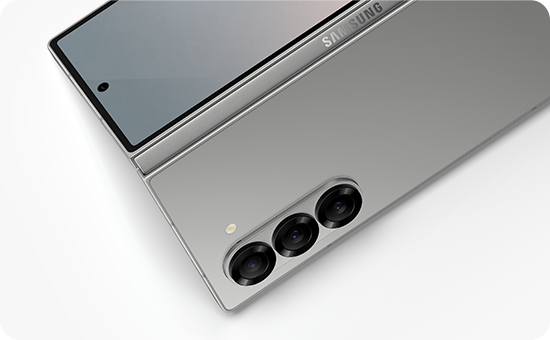
Does Note Assist on the Galaxy Z Fold6/Flip6 support PDF files?
Yes, Note Assist on the Galaxy Z Fold6/Flip6 supports PDF files, allowing users to utilize summarization and translation features directly from the PDF viewer. However, certain functionalities such as Share, Save, and Add are restricted for translated PDF content. Follow the provided steps to make the most of this feature.
1. How to Use Note Assist with PDF Files on Galaxy Z Fold6/Flip6
- Open the PDF file on your device.
- Select "Open with Samsung Notes" from the options.
- Access Note Assist and choose either the Summarize or Translate function.
2. Limitations of Note Assist with PDF Files
- Translated PDF overlays cannot be saved in their translated state.
- Features like Share, Save, and Add are unavailable for translated PDF content.
3. Supported Samsung Galaxy Devices
Note Assist with PDF support is available on the following devices:
- Galaxy Z Fold6
- Galaxy Z Flip6
4. Why Note Assist Has Limitations with PDF Files
- The translation process does not alter the original PDF content, ensuring data integrity.
- Restricted features prevent unintended modifications to the original document.
5. Additional Things to Check
- Ensure your device's software is up to date for optimal performance.
- Verify that the PDF file is compatible with the Samsung Notes app.
Related Samsung Support Topics
Thank you for your feedback!
Please answer all questions.