Customize your Galaxy Watch double press key functions
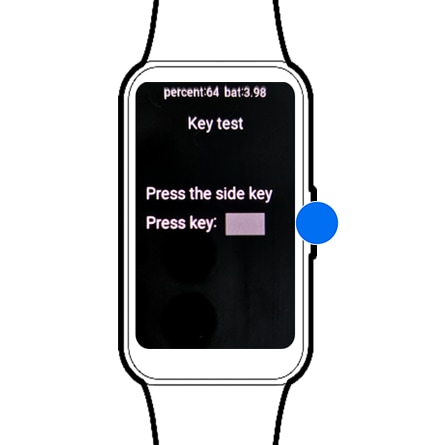
How to customize double press key functions on Samsung Galaxy Watch
The double press key on your Samsung Galaxy Watch allows quick access to frequently used apps or features. Customizing this function lets you tailor your watch experience for faster navigation and improved usability.
1. How to set up double press key functions on Galaxy Watch
- Open the Settings app on your Galaxy Watch.
- Tap Advanced features or Advanced, depending on your device model.
- Select Customize keys or Home key from the menu.
- Choose Double press or Double press Home key to configure the action.
- Select the app or feature you want to launch with a double press.
2. Supported Samsung Galaxy Watch devices
The double press key customization feature is available on the following Galaxy Watch models:
- Galaxy Watch4 series
- Galaxy Watch5 series
- Galaxy Watch6 series
- Galaxy Watch7 series
3. Additional things to check
- Ensure your Galaxy Watch is running the latest software version for optimal functionality.
- Verify that the app you want to assign is installed and accessible on your watch.
- If the double press action doesn't work, restart your watch and reconfigure the setting.
4. Why the double press key customization is useful
- Quick access to essential apps like Messages, Calls, or Music enhances productivity.
- Customizing the double press key improves accessibility for users with specific needs.
- Streamlining navigation reduces the need for multiple taps, saving time during daily use.
5. Related Samsung support topics
Thank you for your feedback!
Please answer all questions.